Frequently asked questions
Messages and problems you may run into while building, with a solution for each.
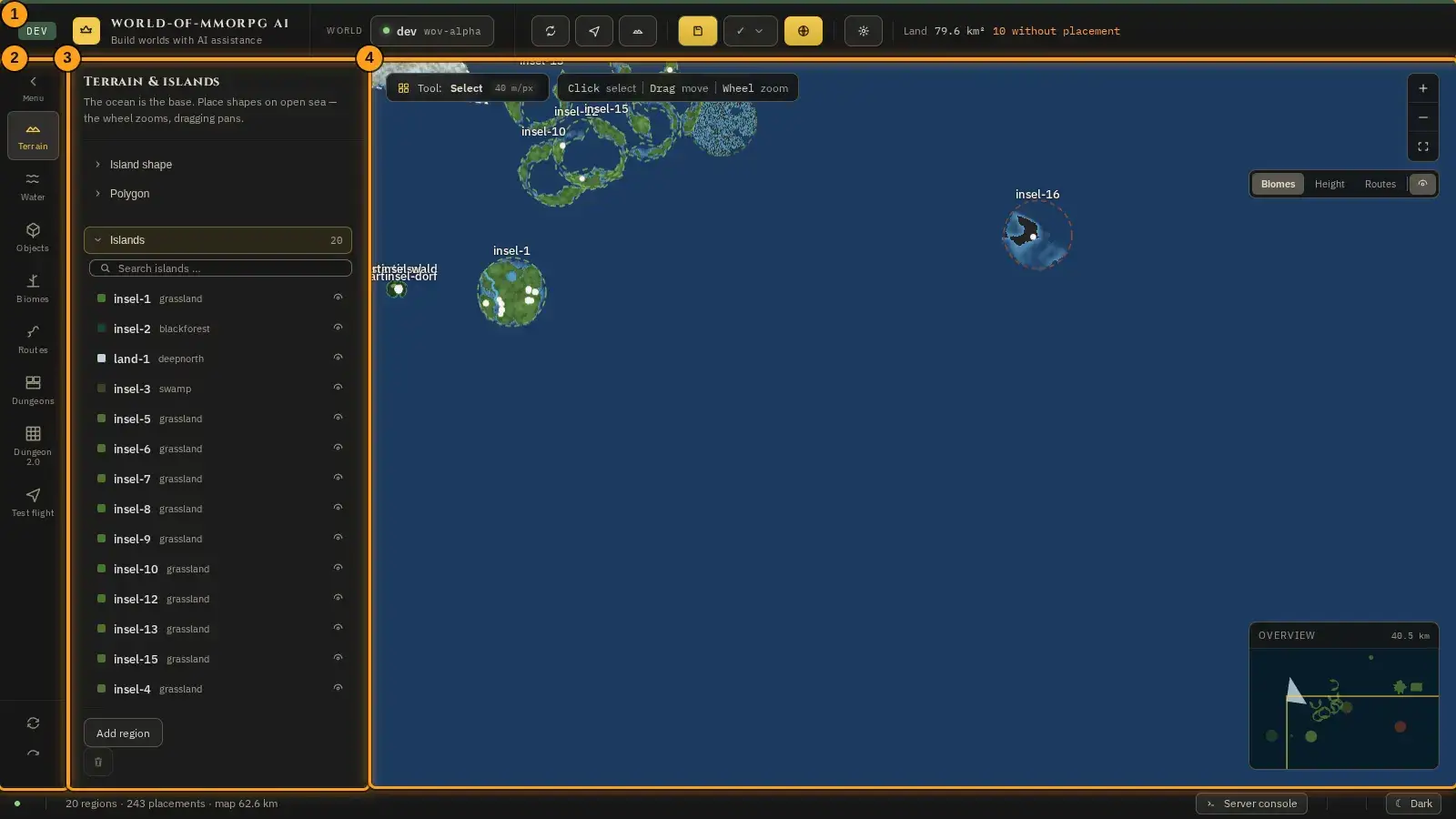
The pictures show the editor with sample data. The orange frames and numbers refer to the steps in the text.
The message “No server state”
What for?
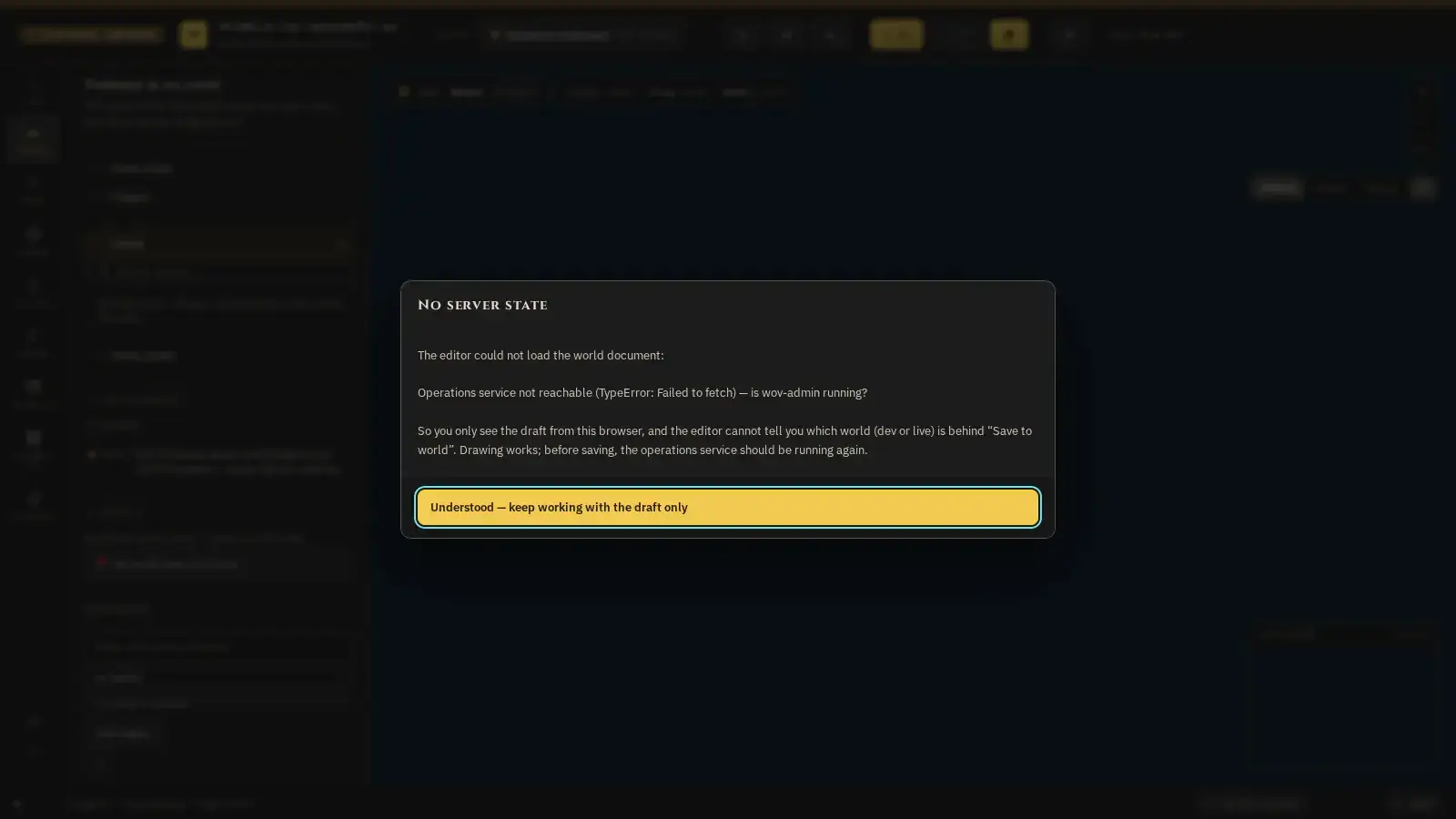
On start the editor tries to fetch the world from the server. If that fails, this message appears.
How it works
- Read the message: it says the editor could not load the world document and gives the reason, for example that the operations service cannot be reached.
- Click “Understood — keep working with the draft only”. You can keep drawing, the draft is in your browser.
- But the editor does not know which world is behind “Save to world”. Wait until the operations service is running again, reload the page and click the “World” field at the top.
Tip: Export your draft as a file before you reload the page. That way nothing gets lost.
Understanding findings in the check report
What for?
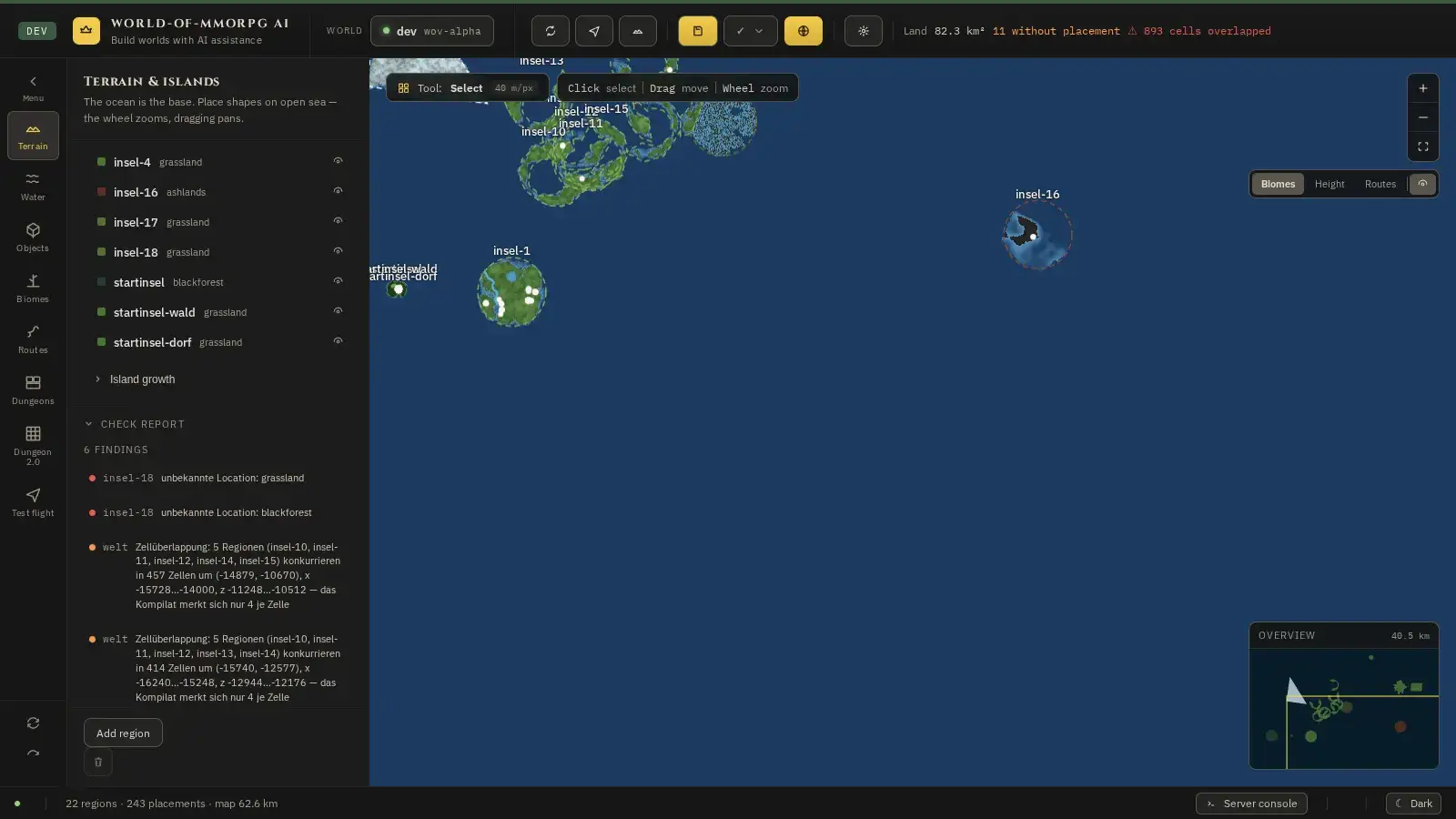
The check report in the side panel warns about things that could cause problems in the game. Not every finding is an error, but every one is worth a look.
How it works
- The check report is in the side panel below the menu of the mode; scroll down to it. Its heading gives the number of findings. It covers the whole world, not just the chosen mode.
- Every finding names the island or spot it is about. Clicking it jumps to the spot on the map. If the finding is about a single object (“Zu Objekt … springen”), the click chooses that object and arms the object tool: at the top of the side bar stands the selection block with the object’s fields, the note that a click on the map places an object, and the button “End the object tool”. The button lets the tool go again.
- “Zellüberlappung” (cell overlap) means: several islands lie on top of each other so that the game can only remember four of them per cell. Move the islands or make them smaller. The section “Land area & overlaps” further down names the islands affected.
- “unbekannte Location” (unknown location) means: a name in an island does not match any known place. Check the biome in the island’s properties.
Problems in the test flight
What for?
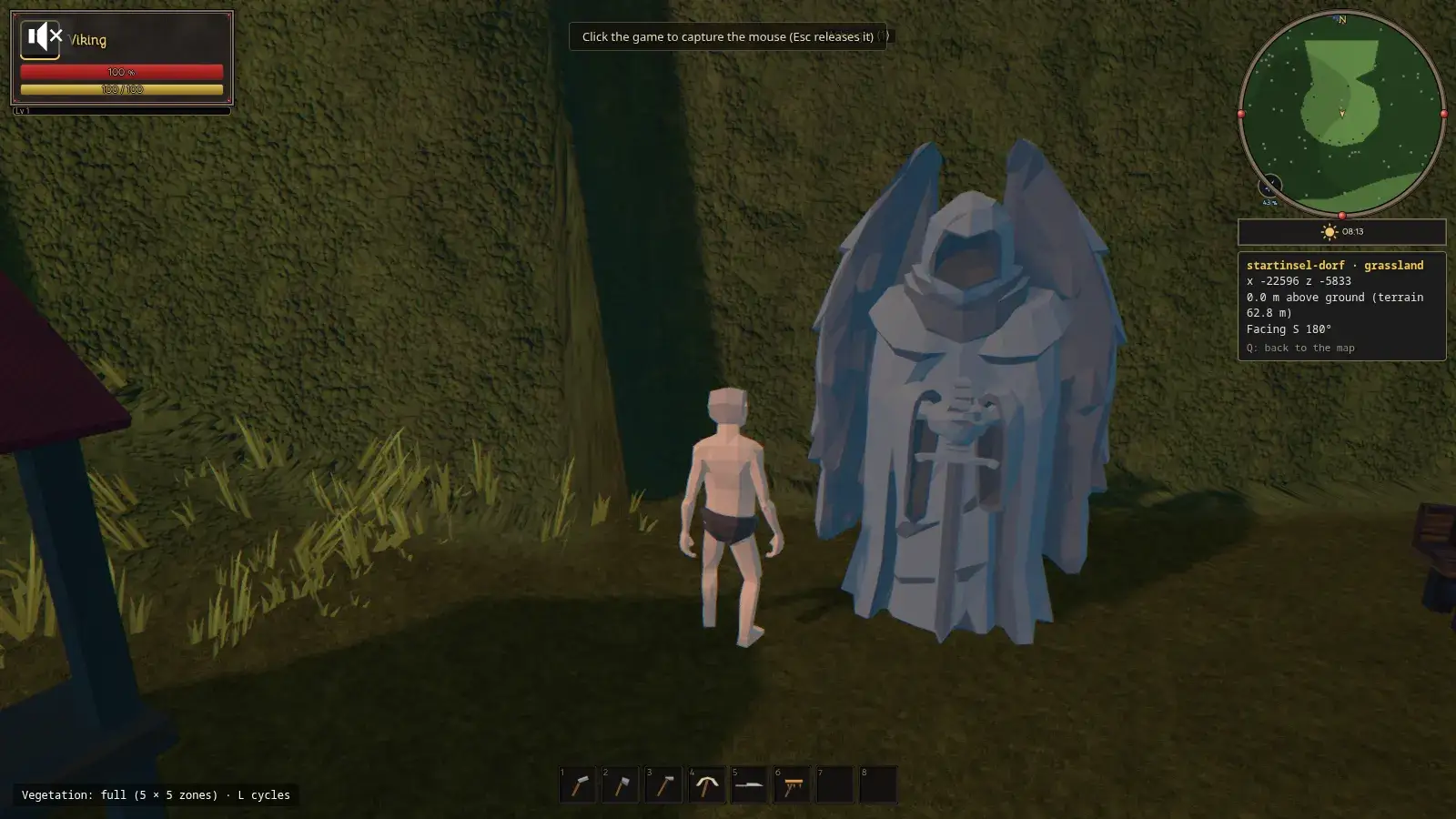
The test flight opens the real game in a new tab. A few things can get stuck there, and they are quickly solved.
How it works
- No new window opens: the browser blocked the pop-up. Allow pop-ups for this site and click the test flight button again.
- The character stands at the origin in the sea: you did not choose a spot on land. Close the tab and choose an island on the map (island list) or a spot on land (T key).
- The mouse does not steer: click once into the picture. Esc releases the mouse again.
- “Too far away” appears when placing: fly closer or raise the reach in the settings of the build menu.
- A terrain change is missing in the game: it only applies after “Save to world” and a restart of the server.
Language and labels
What for?
The editor speaks German and English. A few labels are not translated yet, which is intended for now.
How it works
- The editor uses the same language setting as the game. You set it in the settings of the game; your browser remembers it.
- The names of the modes on the left, such as “Gewässer” or “Objekte”, and some sections of the side panel still appear in German even when the editor otherwise shows English. In this manual the English meaning is given in brackets.
- Names that you assign yourself, for example for classes, biomes or items, you always enter in both languages so that everyone sees them in their own language.
- The names of the modes on the left are translated: in English they are Terrain, Biomes, Water, Objects, Dungeons, Dungeon 2.0, Routes and Test flight (in this order, arranged by the steps); the captions above them read Land, Landscape, Water, Furnish, Inhabitants and Try it out. The status lines and messages of the catalogue are readable in both languages too.